
Blackmagic Design has officially rolled out Fairlight Live, a software-based live audio mixer, following its public beta. Paired with the new ATEM Switchers 10.3 update, which brings direct USB digital audio support to compatible models, the combination delivers real workflow upgrades for live production teams.
For AV integrators, this is a meaningful step — not because of a longer feature list, but because it simplifies complex audio routing without forcing clients into expensive new hardware stacks. Here is what it actually means on the ground.
Smarter Audio Routing for Complex Productions
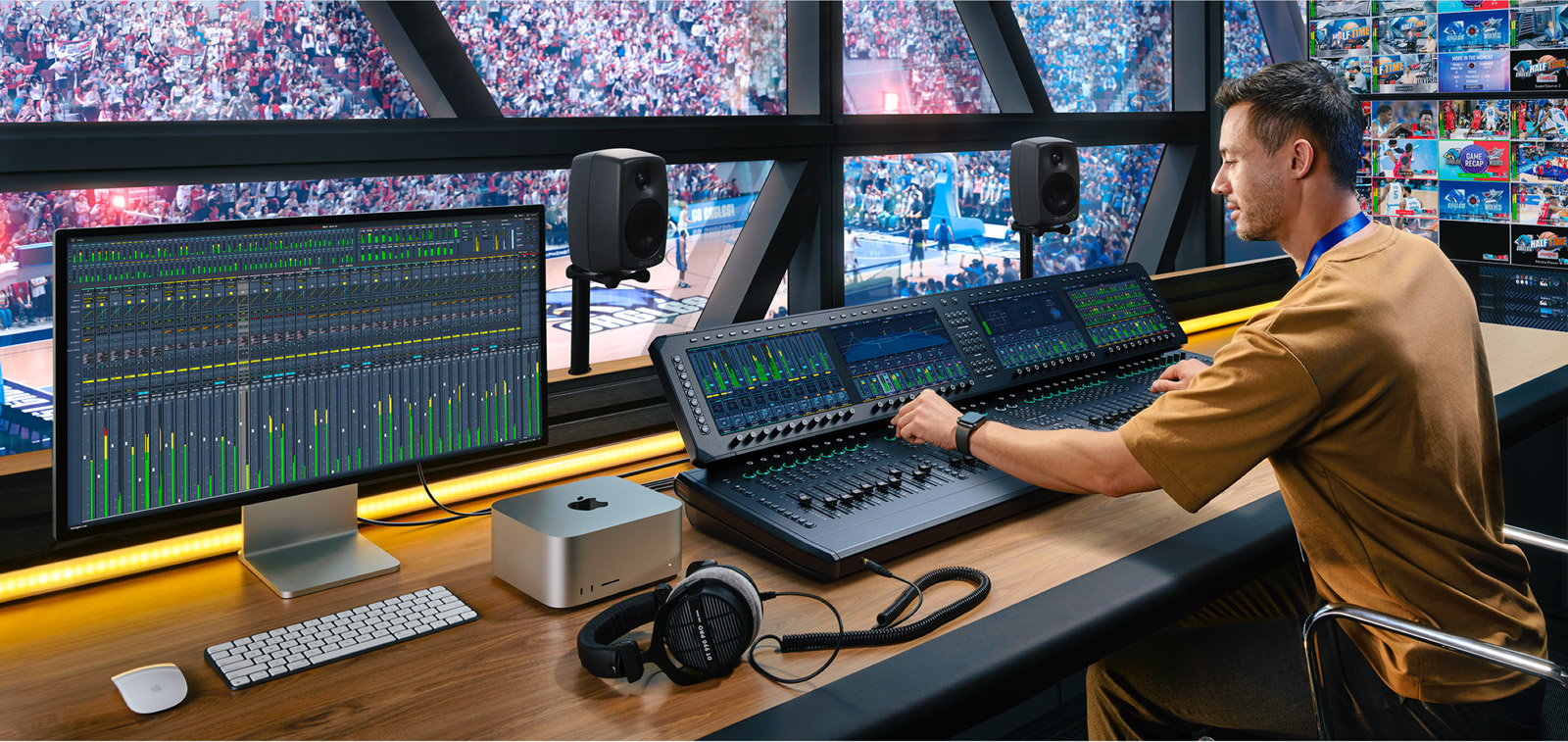
Fairlight Live can handle thousands of audio channels, which matters on large events with dozens of mics, talent feeds, and audience zones. The practical change is direct USB digital audio routing from ATEM switchers into the mixer.
That path removes extra converters or a separate DAW in a lot of installs. Integrators can build cleaner signal chains for concerts, corporate stages, houses of worship, and wedding productions — fewer boxes in the rack, fewer failure points. Setup time drops, and when something goes wrong mid-show, there is less gear to chase.
- USB digital audio from supported ATEM models into Fairlight Live
- High channel counts for commentary, crowd, IFB, and foldback
- Fewer AD/DA hops when the switcher and mixer stay in-family
Better Streaming and Remote Workflows
ATEM 10.3 also ties more tightly into Blackmagic’s Cloud Stream Router. You can route audio from supported ATEM models into Fairlight Live while multi-platform streaming runs and remote contributors come in on the same ecosystem.
That setup is especially useful for hybrid events: house audio on the floor, guests or commentators elsewhere, one control surface for the mix. Less juggling between tools when the show is already live.
Flexible, Scalable Mixing
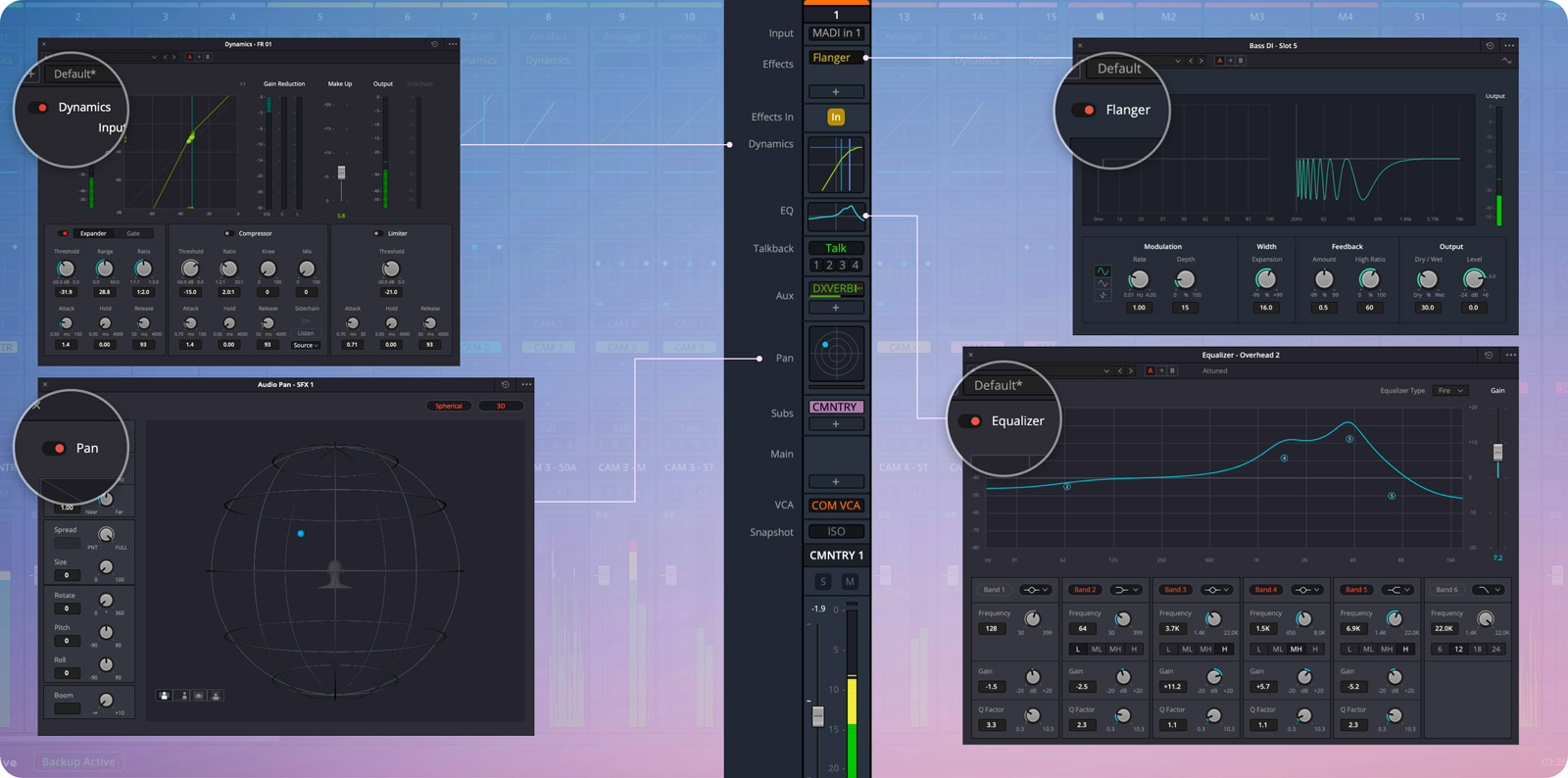
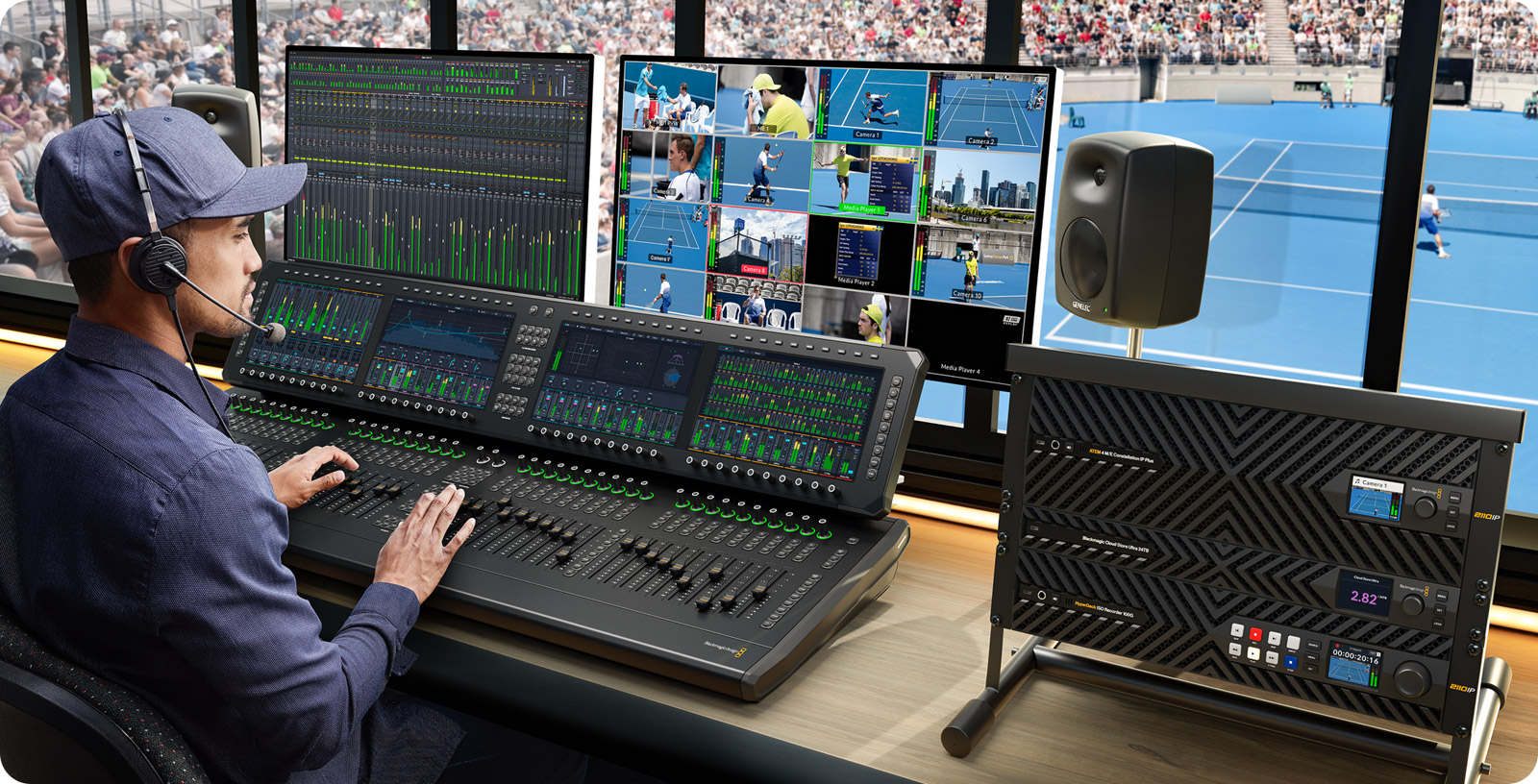
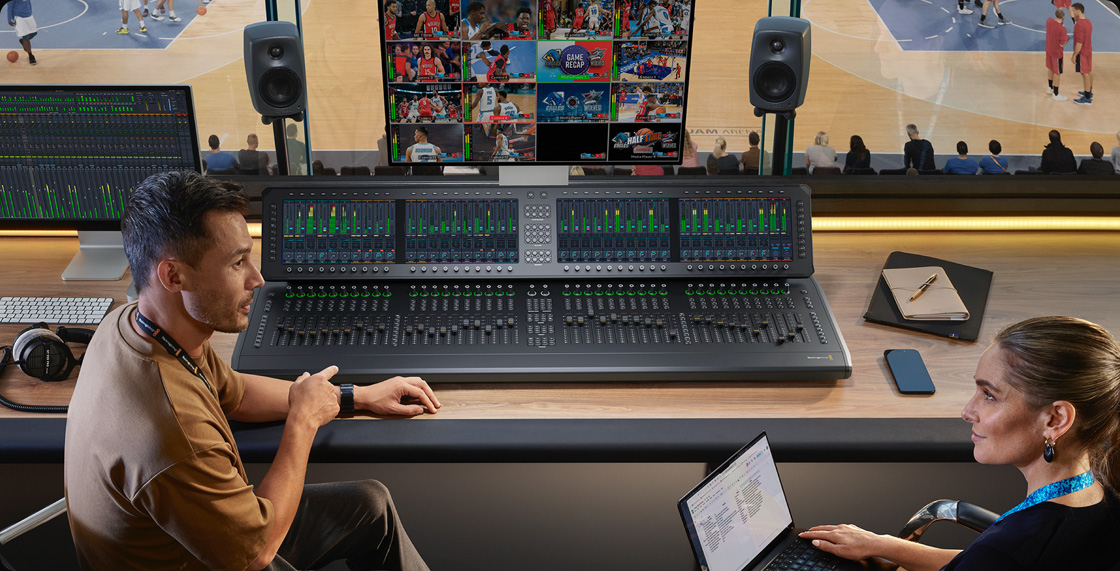
Fairlight Live’s layout is customizable. Stereo podcasts, multi-camera talk shows, 5.1 surround, immersive formats (including ASAF), or large channel counts — the same software covers the range. It runs on macOS and Windows, and works with Fairlight Live Audio Panels or third-party MCU-style surfaces when the client wants motorized faders under hand.
A practical win for retrofit jobs: you do not have to rip and replace every console. The software works standalone or next to panels already on the truck, which helps protect earlier capital spend.
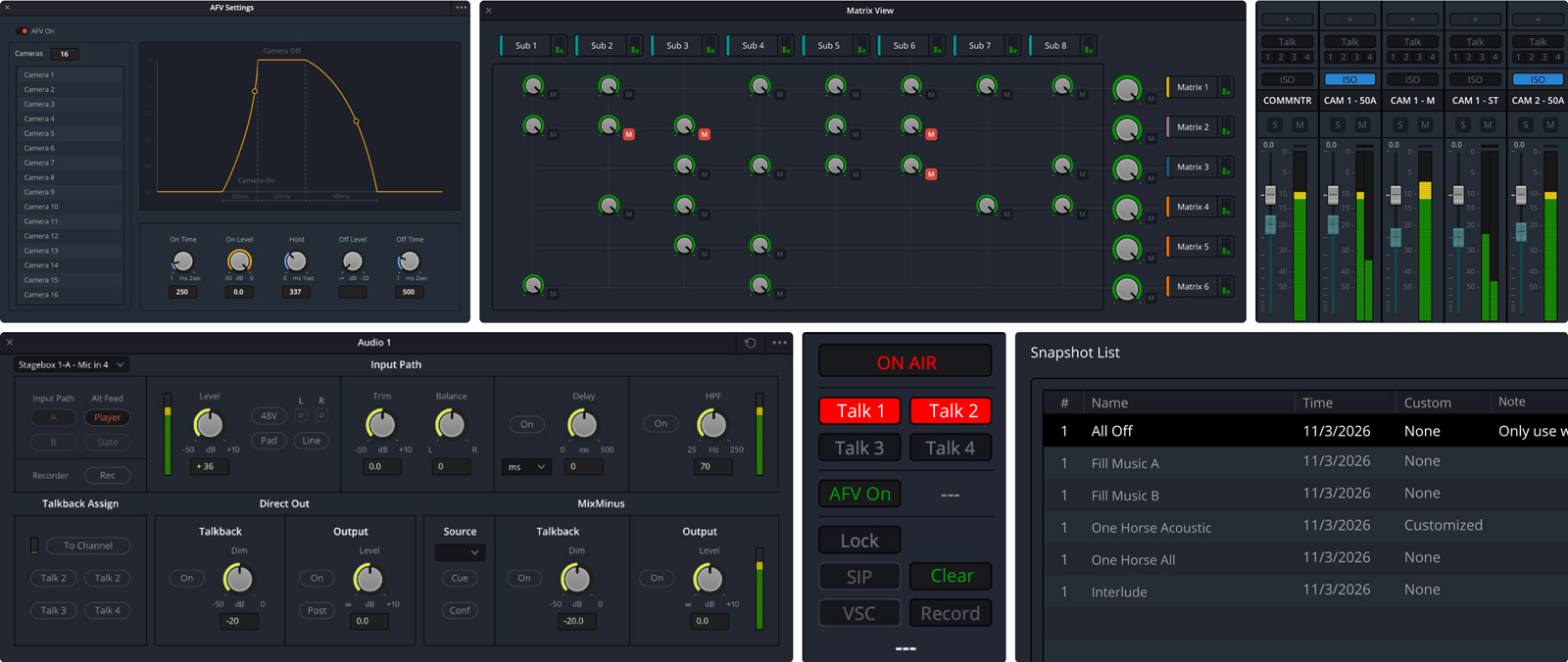
- Show templates and ATEM-aligned layouts for recurring events
- Native processing plus AU/VST plug-in support where the brief needs it
- Optional hardware panels (10 / 20 / 40 fader models) when operators want a surface
Why Integrators Should Care
The value is in economics and simplicity. Clients get closer to broadcast-grade live audio without a proportional budget jump. Quotes stay competitive, and the install still delivers a cleaner mix and a shorter signal path.
Fairlight Live is available as a free download from Blackmagic Design. If you are specifying or commissioning live production systems — especially sites already on ATEM — load it on a spare machine and run a real show file before you lock the BOM.
Integrator tip: match channel count, talkback/mix-minus needs, and control-surface preference to the brief early. USB audio and AFV only help if the ATEM model and software versions are on the supported list for that job.


