
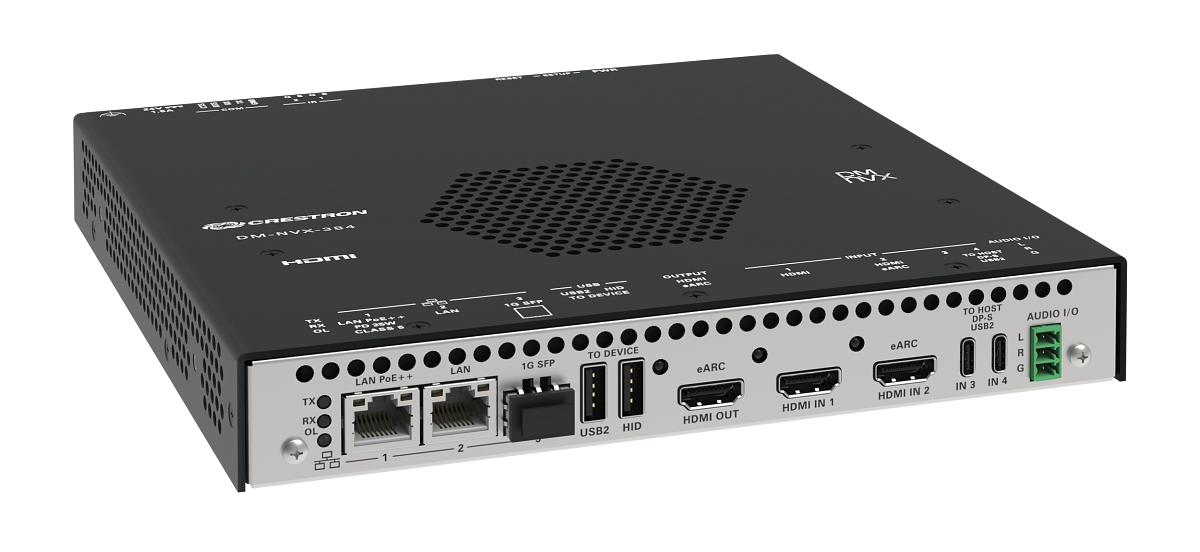
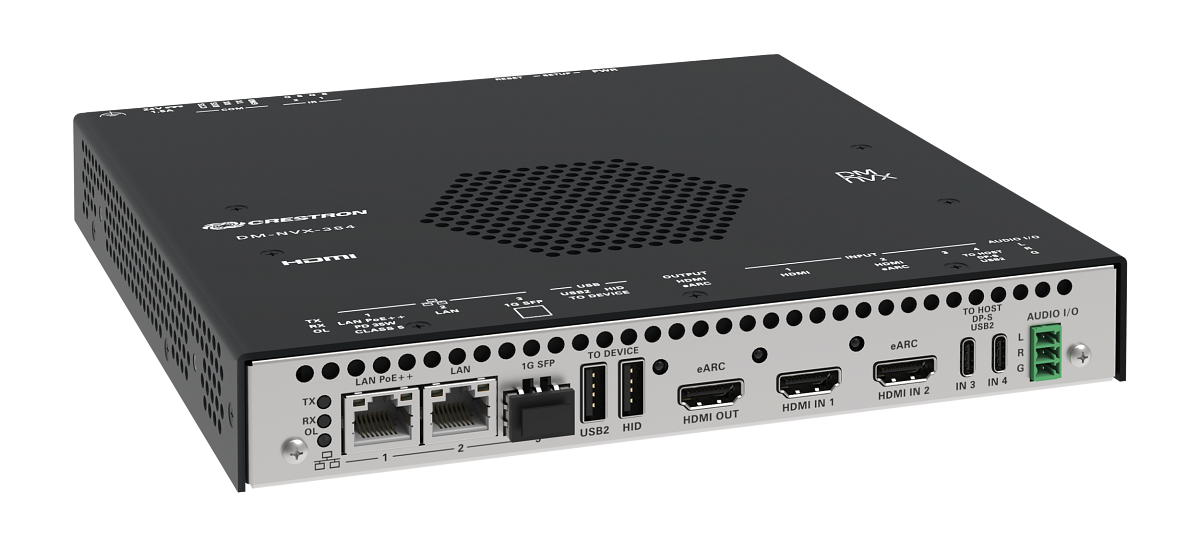
Crestron rebuilt its Technical Institute (CTI) training rooms around the gear installers actually ship. The goal was simple: students should leave with hands on DM NVX, large interactive displays, and a mount design they will see on commercial bids — not a demo cart that never survives a real wall.
A big piece of that refresh is Chief Tempo in-wall flat-panel mounts behind five 98-inch LG CreateBoard touchscreens. The rooms are meant to look and behave like finished spaces, not lab benches with temporary brackets.
Why the Mounts Mattered
Standard surface mounts were a weak fit for five 98-inch CreateBoards. Weight, depth, and flex under touch all show up the first time a student leans on the glass. Chief’s Tempo in-wall system gives the displays a solid, flush seating and keeps the wall clean enough that the AV path — not the hardware clutter — stays the lesson.
Flex is not a cosmetic issue. On interactive boards, even small movement during multi-touch turns into bad demos and bad habits. Tempo’s in-wall structure is there to kill that movement so the DM NVX and board UI stay the focus.
- In-wall Tempo mounts for large interactive displays
- Five 98-inch LG CreateBoard screens in the refreshed CTI rooms
- DM NVX used as the live AV-over-IP teaching path, not a slide mock-up
What Integrators Can Steal From the Room Design
Treat the CTI rooms as a reference architecture, not marketing wallpaper. If you are quoting corporate training suites or higher-ed classrooms, the same stack questions apply: mount depth and structure, glass weight, touch flex, cable path to the encoder/decoder, and how students (or faculty) actually stand at the wall.
DM NVX on the wall is only half the story. The other half is whether the mount and rough-in leave room for service. In-wall systems look clean when they are right; they are painful when the first service call needs a full reopen of finished drywall.
Commissioning Notes Before You Copy the Spec
If you mirror this approach on a client site, lock three items early:
- Structure: Tempo (or equivalent) only works if the wall is built for the load — blocking, depth, and service access.
- Signal path: NVX endpoints, network class, and switch layout should match what you will support after turnover.
- Touch UX: test multi-touch with the final mount torque, not on a temporary stand.
Crestron’s upgrade is an education investment, but the takeaway for field teams is practical: when training rooms match real installs, the people leaving those rooms make fewer first-job mistakes. That is worth more than another glossy brochure.

Integrator tip: on large interactive walls, price the mount and rough-in as carefully as the panel. A cheaper surface mount that flexes under touch will cost you more in callbacks than the Tempo line item ever would.


